



- Your cart is empty Browse Shop
Handling FITS/XISF and Understanding Linear vs Non‑Linear Data
Understanding FITS, XISF & Linear Data
Why your image looks dark — and why that’s correct
Introduction
When you open your stacked image in PixInsight, it may look unusually dark—and if you see a filename ending in .xisf instead of .fits, that’s completely normal.
This guide explains:
- What FITS and XISF formats are
- What linear vs non-linear data means
- How to safely view your data using ScreenTransferFunction (STF)
- Why this matters before further processing
FITS and XISF — Key Differences
- FITS (Flexible Image Transport System): Standard astronomy format — simple, reliable, widely compatible
- XISF (Extensible Image Serialization Format): PixInsight’s native format with metadata, STF storage, and compression support
📸 FITS vs XISF comparison screenshot
Linear vs Non-Linear Data
- Linear data: Raw, unstretched signal — appears dark and flat
- Non-linear data: Stretched for viewing and editing
Why It Matters Post-Alignment
Most PixInsight processes expect linear data:
- DBE, TGVDenoise, and colour calibration rely on it
- Stretching too early can destroy faint detail and colour accuracy
Viewing Without Altering Data
To inspect your image safely:
- Use ScreenTransferFunction (STF) for temporary visual stretch
- This does not modify your data
- Avoid permanent histogram stretching until later
📸 Linear vs STF preview example
When to Save vs Convert
- Use XISF: When working in PixInsight and saving progress
- Use FITS: For compatibility with other software
Summary
| Topic | Details |
|---|---|
| FITS vs XISF | FITS = universal, XISF = PixInsight optimized |
| Linear data | Raw, unstretched, required for processing |
| Non-linear data | Stretched for editing and output |
| STF | Safe visual preview only |
| Saving | XISF for workflow, FITS for compatibility |
Next Steps
Next, you’ll learn how to evaluate your subframes using Blink, helping you remove poor frames before stacking.
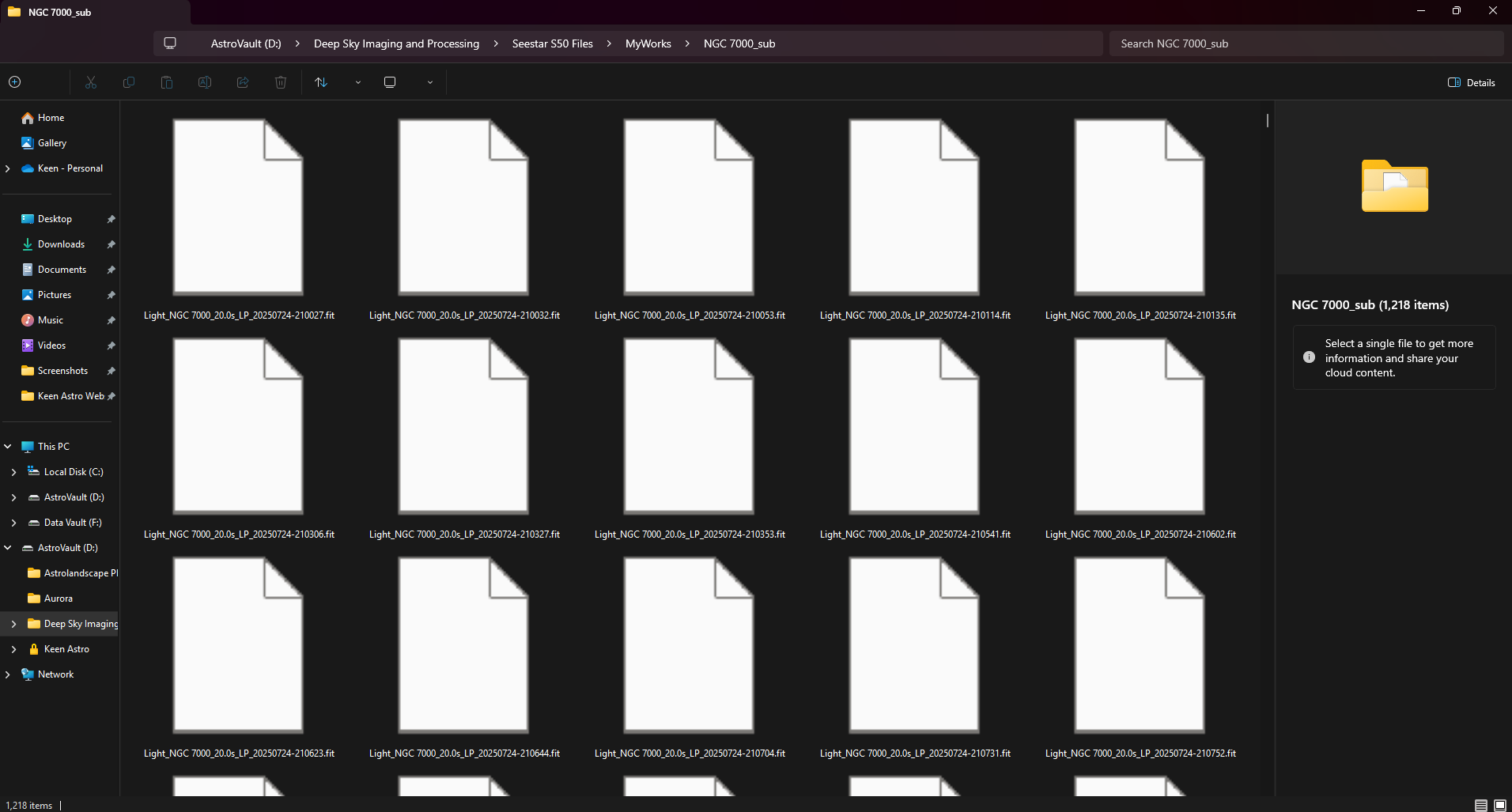
FITS and XISF file formats represent linear astrophotography data prior to stretching and processing